
caFM Platform

More than CAFM Software
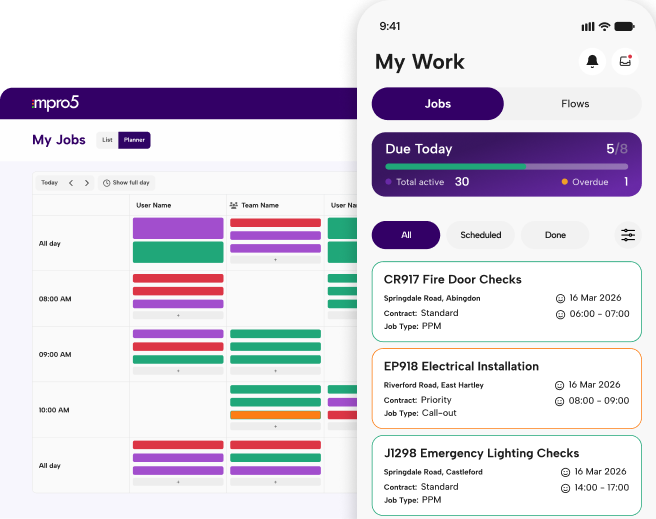
mpro5 is a connected CAFM platform for UK multi-site estates and FM providers. It runs PPM, reactive jobs, helpdesk, assets and contractors, plus statutory checks, cleaning audits, training and team messages, in one app with one login.

Used by Mitie, Ailesbury Services and NHS trusts. Available on G-Cloud 15.

What does a CAFM system do?

A CAFM (computer-aided facility management) system is software that plans, assigns, tracks and evidences the work that keeps buildings safe and running. It covers work orders, planned and reactive maintenance, assets, contractors, compliance checks and reporting across every site.

mpro5 does all of that, and adds the tasks, training and team communication that most facilities teams otherwise run in separate apps.

Asset and planned maintenance: fix it before it fails

mpro5 links every asset’s details and maintenance history to the jobs carried out on it, and schedules planned preventive maintenance (PPM) so it’s never missed. Engineers arrive knowing what the asset is, what was last done to it, and which parts they need.

  • A configurable asset register. Record global or site-specific assets with the attributes and status you need, from boilers and HVAC to fire doors and kitchen equipment.
  • Full maintenance history. Every reactive job and PPM visit is logged against the asset, so you can see repeat failures and plan replacement.
  • PPM that runs itself. Recurring maintenance is scheduled automatically and flagged if it’s missed or overdue.
  • Parts and materials. Track the parts used on quotes and jobs, link them to assets, and see consumption over time.

Contractor management: hold contractors to the same standard

mpro5 manages contractors alongside your in-house teams, with their assigned work, rates, SLAs and documentation in the same platform. Contractors use the same app, so their work is evidenced to the same standard as your own engineers’.

  • One view of all work. In-house and contracted jobs sit side by side, so you can see who’s doing what across every site.
  • Rates, contracts and SLAs. Store each contractor’s rates, contracts, regional coverage and SLAs, and track performance against them.
  • Documentation in one place. Keep contractor documents with their record instead of in inboxes and shared drives.
  • Faster payment. Ireland’s Office of Public Works cut its contractor payment cycle from three weeks to same day with mpro5.

Workflow automation: take the paper and chasing out

mpro5 routes each request to the right person, raises a follow-up job when a check fails, and chases overdue work until it’s closed, so your team doesn’t have to.

  • Automatic routing. Requests are sent to the right engineer or contractor by site, job type and priority.
  • Failed check, fixed job. When a fire, Legionella or HVAC check fails, mpro5 raises a remedial job with an owner and a due date, and the fix is evidenced against the original failure.
  • Escalation when it’s late. Missed PPM and overdue jobs are flagged and escalated to the right manager.
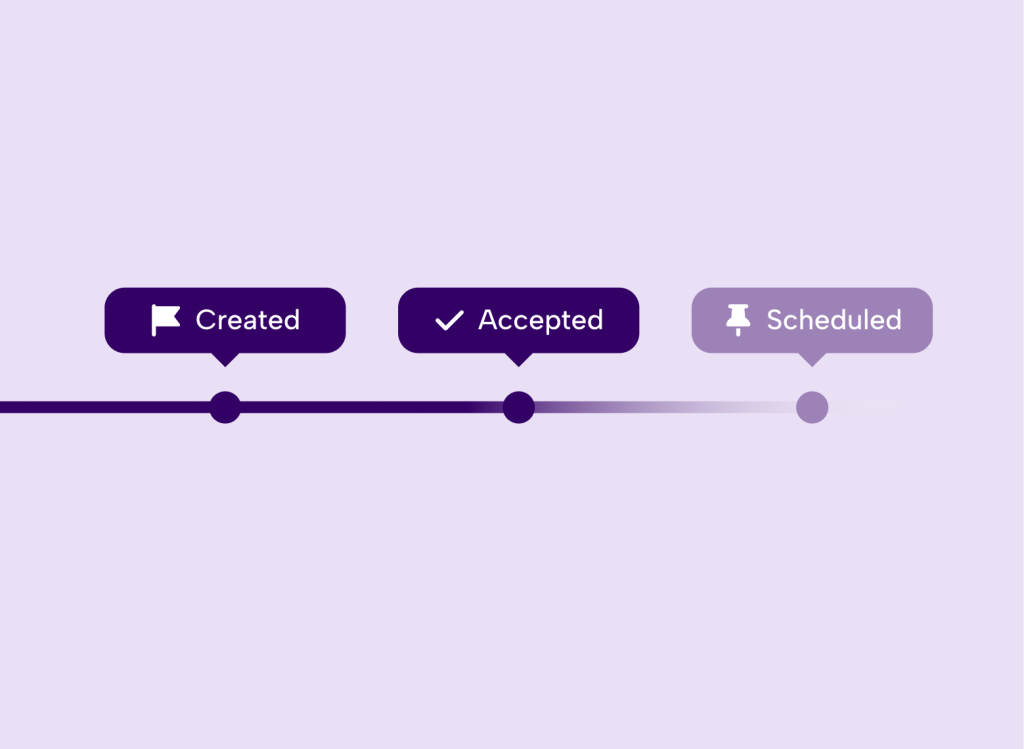
  • Quote to job. Once a quote is approved, it becomes a scheduled work order without re-keying.

Compliance and safety: audit-ready at every site

mpro5 records every check and inspection with a full audit trail, and handles incident reporting and safety management in the same app as maintenance. When a check fails, the fix is raised and evidenced against the original failure.

  • Statutory and routine checks. Fire, Legionella, HVAC, cleaning audits and site inspections run as scheduled digital checks, flagged when missed or overdue.
  • A complete audit trail. Every record carries a timestamp, photos and a signature, so you can produce evidence for any date range on the spot.
  • Incident reporting. Staff log incidents and hazards from their phone, and each one becomes an owned action that’s tracked to close.
  • Data you can trust. mpro5 flags checks completed too quickly, away from site or with a high rate of N/A answers.
  • Faster audits. The OPW retrieves compliance reports 89% faster than before.

Reporting and cost visibility: from work request to invoice-ready

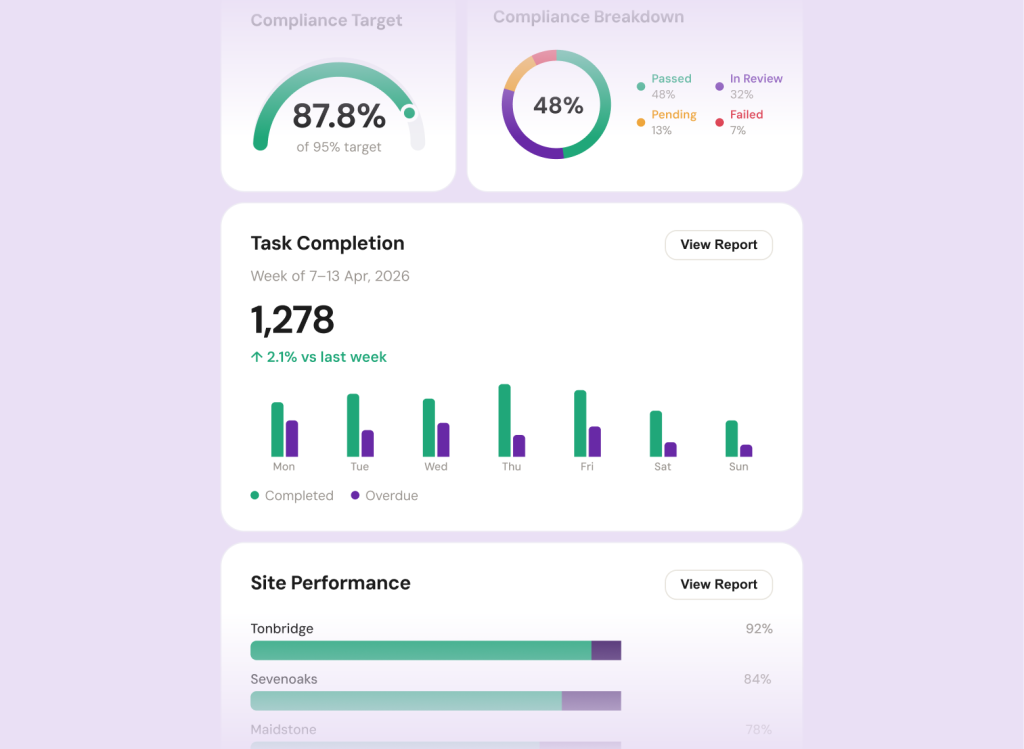
mpro5’s team configures workflows around how each organisation already opempro5 shows job completion, SLA adherence and service quality by site, team, contract and job type in live dashboards, and turns every completed job into an itemised cost record for finance.

  • Ready for finance. Completed jobs produce cost lines that flow to your finance system through the mpro5 API..
  • Live SLA dashboards. See which sites, teams and contractors are on track, and which aren’t, without building reports by hand.
  • Reports clients trust. FM providers share dashboards with their clients to prove delivery. Ailesbury Services uses its 95% completion scores in tenders.
  • Every cost captured. Timesheets, expenses and parts are recorded against each job.

“We’ve moved from the prehistoric age of paper into a complete digital space with complete automation.”

– John Brady, Office of Public Works (Ireland)

FAQs

CAFM Software FAQs

Answers to the questions estates and facilities teams ask us most. If yours isn’t here, ask us on a demo.

Book a demo

Or call us on 01892 542 444

What is CAFM software?

CAFM (computer-aided facility management) software helps estates and facilities teams manage work orders, assets, maintenance, contractors and compliance from one system. mpro5 is a connected CAFM platform built for multi-site estates and FM providers.

What is work order management software?

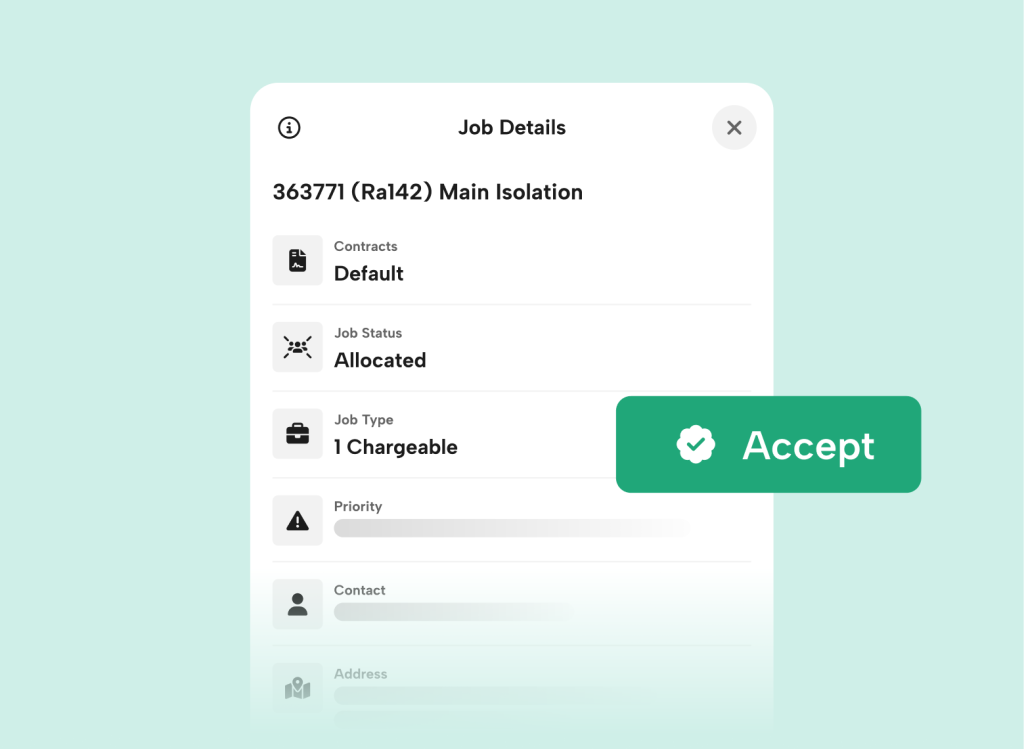
Work order management software tracks every job from request to completion. In mpro5, helpdesk requests, call-outs and planned maintenance become work orders, assigned to the right engineer or contractor and recorded with evidence.

What’s the difference between CAFM and CMMS?

A CMMS focuses on maintaining equipment and assets. CAFM covers the wider running of facilities, including helpdesk, contractors, compliance and reporting across sites.

How does mpro5 handle reactive maintenance?

Requests from sites, clients and internal teams land in one helpdesk queue, where they’re triaged, prioritised and routed automatically to the right engineer or contractor. Jobs that need a quote become scheduled work orders as soon as the quote is approved.

Can mpro5 manage PPM and compliance?

Yes. PPM and compliance work is scheduled across every site, overdue jobs are flagged, and a failed inspection raises a remedial job with an owner and a due date.

Can mpro5 manage our assets?

Yes. mpro5 keeps a register of site-specific or estate-wide assets, each with its attributes, status and full job history. Engineers scan a QR code or NFC tag to bring up the asset on site, and parts are linked to the assets and jobs they’re used on.

Is there a mobile app for engineers and contractors?

Yes. Engineers and contractors use the mpro5 app on iOS and Android to see job details, asset history, parts, forms and site documents. They capture photos, signatures and timestamps as they work.

Can mpro5 manage contractors and SLAs?

Yes. Contractors work in the same app as your in-house teams, with rates, SLAs, documents and assigned work all tracked.

What reporting does mpro5 provide?

mpro5 gives live dashboards showing completion rates, SLA adherence and service quality by site, team, contract and job type. You can use ready-made dashboards or have our team build them around your KPIs. Every job report includes photos, signatures and timestamps for audits and client reviews.

How does mpro5 help finance teams?

Timesheets, expenses and parts are captured against each job, and every completed job produces an itemised cost record for your finance system.

How quickly can we get started?

Within weeks. At Coventry and Warwickshire Partnership NHS Trust, mpro5 replaced the old FM system across 90+ sites and 125 subcontractors in four weeks. Our team configures the platform for you, with no implementation fees.

Know exactly where your compliance stands today, and where the gaps are.

Book a demo