

CAFM software that also runs your
compliance, tasks and training
mpro5 is UK-built CAFM software for multi-site estates and FM providers. It covers planned maintenance (PPM), reactive jobs, helpdesk and contractor management, and runs cleaning audits, compliance checks, training and team messages in the same app.
- 77%
- helpdesk efficiency gain at Coventry and Warwickshire Partnership NHS Trust
- 97%
- faster response to service requests at Compass Group Denmark
- 20,000+
- student spaces maintained on mpro5 by Student Roost
- 30 years
- building frontline operations and compliance software
Estates and FM teams using mpro5








What is CAFM software?
CAFM (computer-aided facilities management) software, sometimes called facilities management software, plans and records the work that keeps buildings running: PPM, reactive repairs, helpdesk requests, assets and contractors.
Most CAFM systems stop there, so teams add separate tools for audits, compliance checks, messages and training.
mpro5 does all of it in one app, with compliance management built in.
What does running five platforms really cost?
More than the licences.
The bigger cost is the time between systems: re-typing results, chasing follow-ups, building reports by hand and training people on every tool. Nobody budgets for it.
How does mpro5 stop maintenance jobs falling through the cracks?
A leak is reported on Monday. Three people are told and nobody owns it. The contractor says it’s fixed. Two weeks later the client calls to say it isn’t.
-
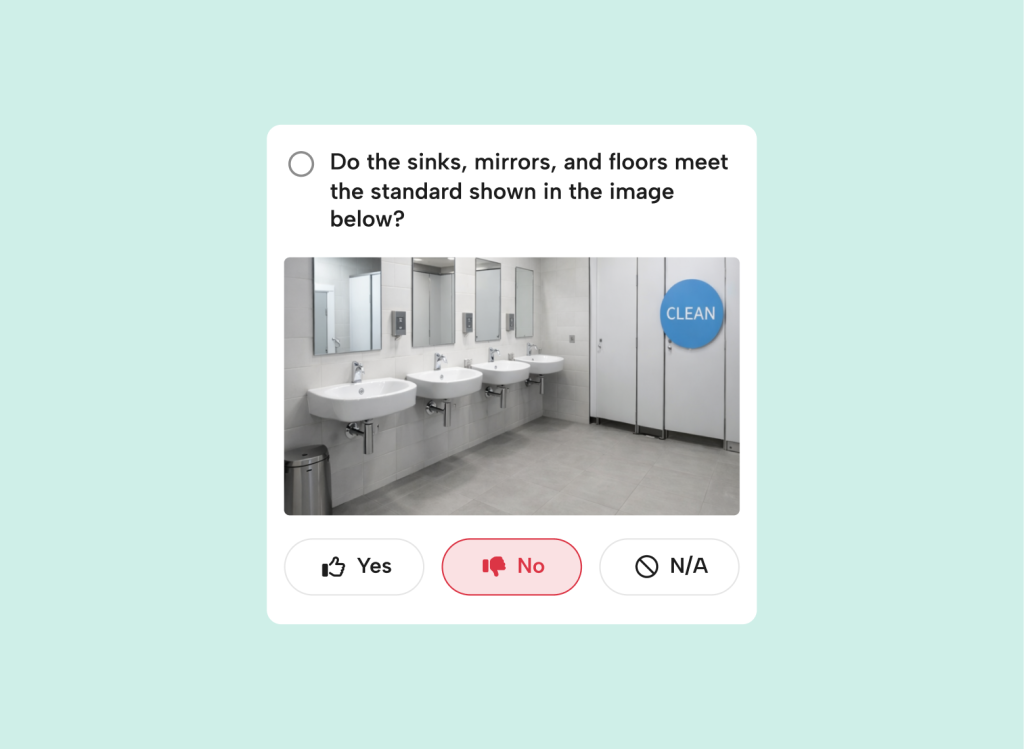
Reported once, with a photo
A call, an email or a WhatsApp, with no photo or reference
Logged with a photo, a location and a priority
-
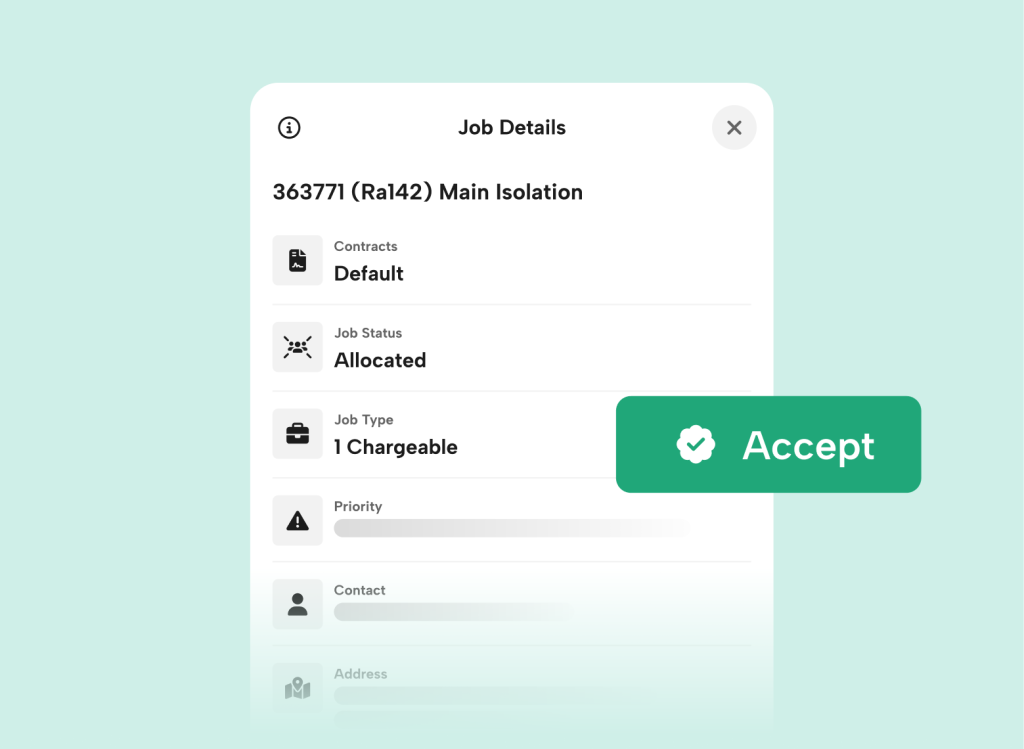
Owned by one named person
Forwarded to three people. Nobody’s sure who has it
Approved and assigned to one engineer, with a deadline
-
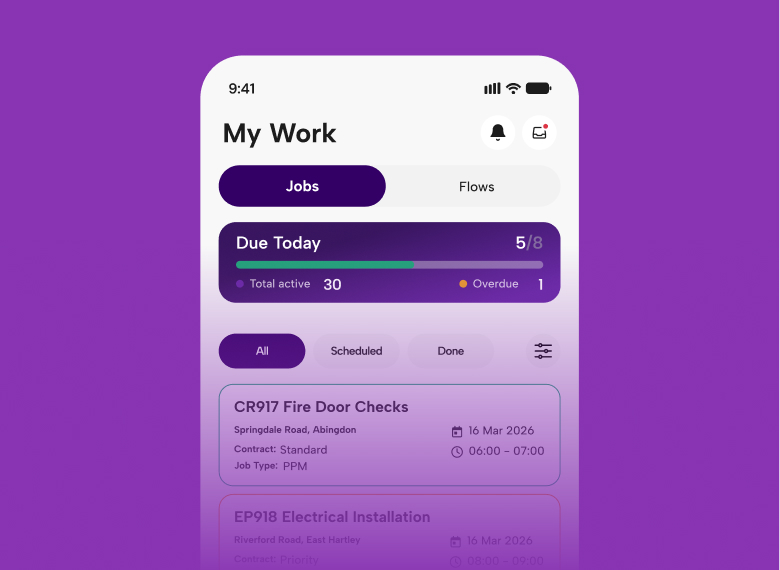
Done, with proof
“It’s done.” No way to check
Closed on a phone with photos, a time and a place
-
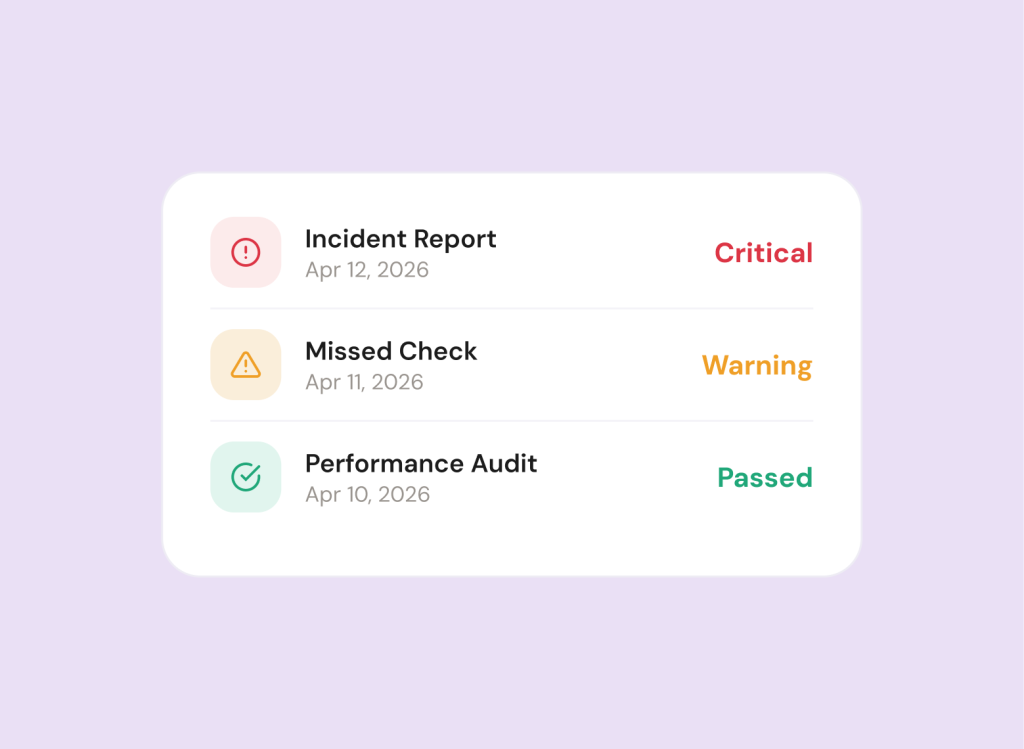
Chased automatically
Overdue jobs found at the monthly review
The right manager is alerted the moment it’s late
-
Proved to the client the same day
Friday afternoon spent building the report
Signed off and on the client’s dashboard
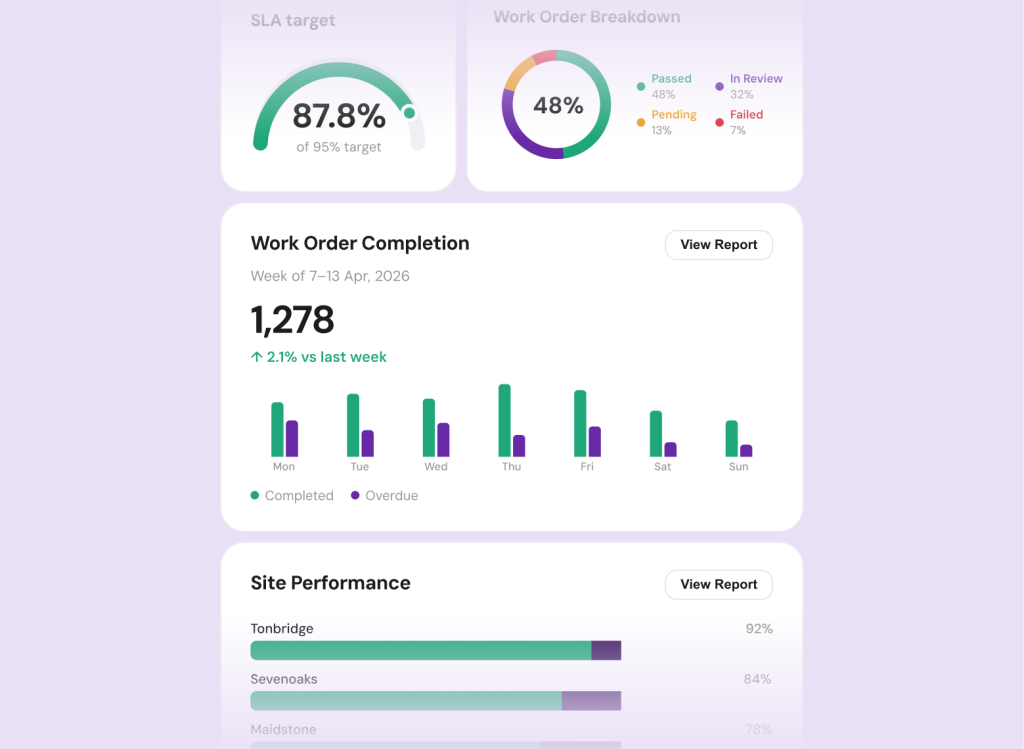
How does mpro5 support multi-site estates and FM teams?
Heads of estates and FM directors
Every site and every SLA on one screen
See which sites need support before the board or the client asks.
Site and area managers
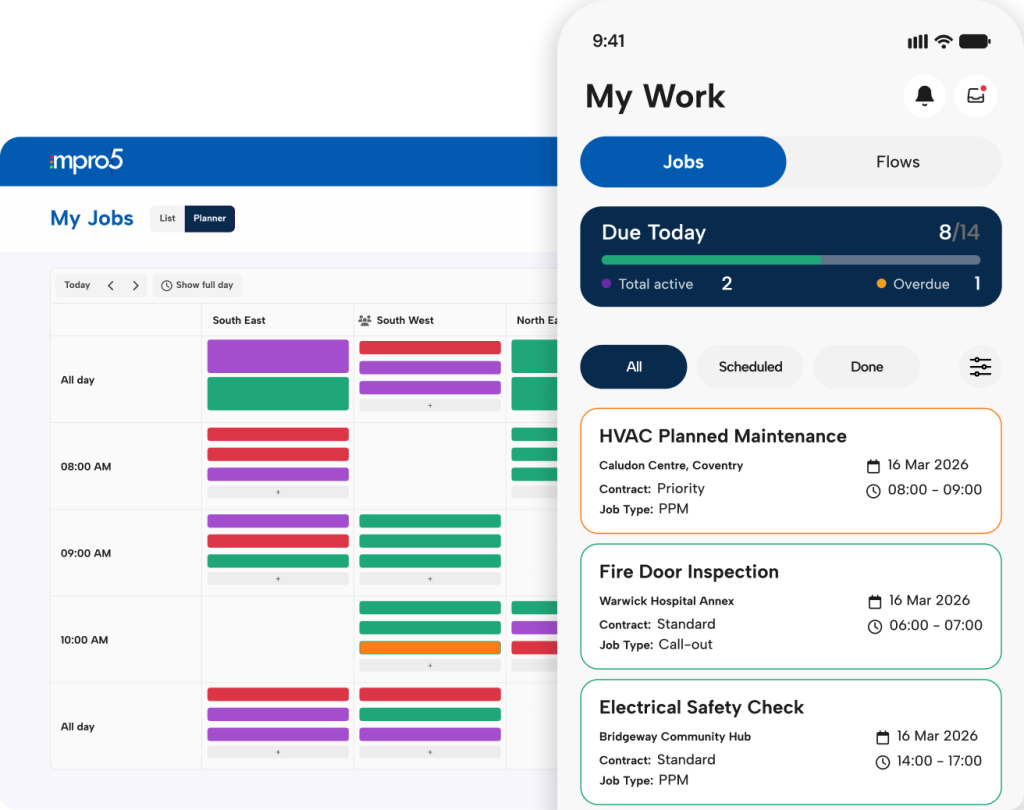
One list to start the day
Jobs, PPM, statutory checks and follow-ups in one place, with anything overdue flagged.
Engineers, cleaners and contractors
A mobile CAFM app that works offline
Asset history, permits and checklists on their phone. Jobs closed with photos.
Clients, boards and auditors
Evidence in seconds, not a week
Live dashboards and audit-ready records, shared by link.
Keeping some systems? mpro5 connects to ERP and BI tools through its integrations and API.
How is mpro5 different from a typical CAFM setup?
| What you need | Typical setup | mpro5 |
|---|---|---|
| PPM and reactive maintenance | CAFM system | Included |
| Statutory checks, scheduled and evidenced | Spreadsheets or a separate app | Same app, with alerts |
| Cleaning and compliance audits with photos | Separate audit app | Same app |
| Proof for clients | Reports built in spreadsheets | Live client dashboard |
| Messages about the job | Email or WhatsApp groups | On the job, recorded |
| Training and sign-off | Separate learning platform | Same app |
| Setup | Often a setup fee and an IT project | No setup fee. Our team builds it around your sites. |
What should you ask when choosing CAFM software?
Will engineers and contractors use it?
Phone-first, works offline, set up around your checks.
Does it cover compliance too?
Statutory checks and audits run in the same app.
Can clients see proof of service?
Yes, on a live dashboard with photos and times.
What happens when something’s missed?
The right manager is alerted straight away.
Who sets it up, and is there a fee?
Our team does, and there’s no setup fee.
How long until we’re live?
Weeks, not months.
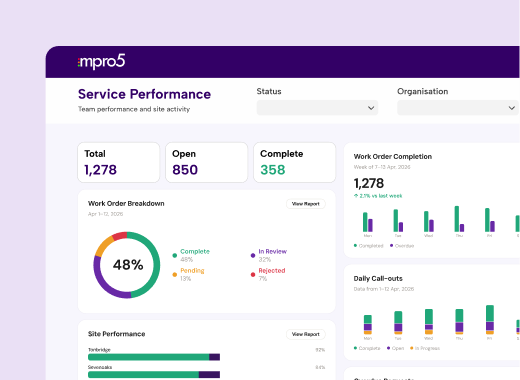
For FM service providers
Prove to your client the work was done.
Your client wants proof of delivery before they sign off the invoice. With mpro5, every clean, patrol and PPM job is already on their live dashboard, with a time, a place and a photo, so there’s nothing to dig out and nothing to dispute.
Ailesbury Services uses mpro5 completion scores in its tenders.
See mpro5 for FM service providersWhich estates use mpro5 for CAFM?
NHS estates
Coventry and Warwickshire Partnership NHS Trust
77% helpdesk efficiency gain across the estate.
Read the story
Public sector estates
Ireland’s Office of Public Works
One of Ireland’s most complex estates, on one platform.
Read the story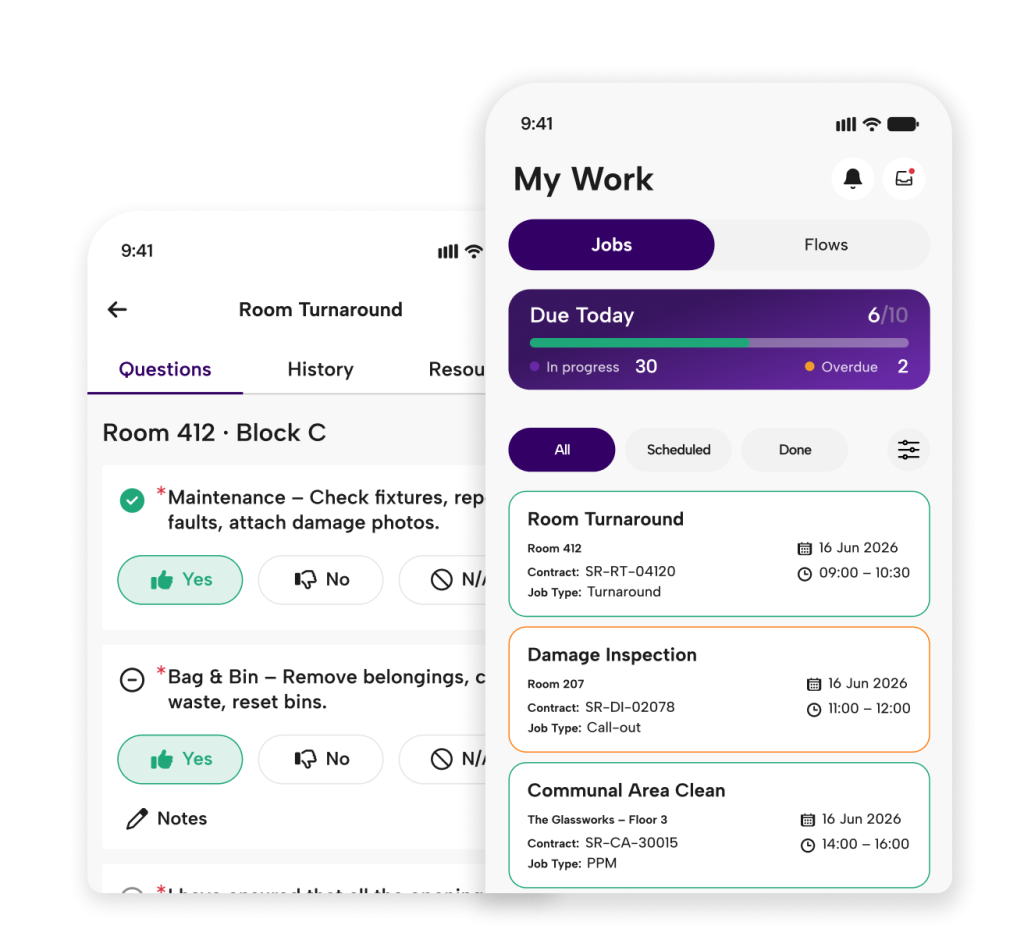
Property
Student Roost
Maintenance and checks across 20,000+ spaces.
Read the storyMore than just software.
We set it up, roll it out and stay.
- We build your asset register, PPM schedules and checks
- No setup fee
- Live in weeks, not months
- A named team who knows estates and FM
- Quarterly reviews against your compliance score

What is CAFM software?
CAFM (computer-aided facilities management) software plans and records the work that keeps buildings running: planned maintenance, reactive repairs, helpdesk requests, assets and contractors.
What’s the difference between CAFM and CMMS?
CMMS (computerised maintenance management) focuses on maintaining equipment and assets. CAFM covers the wider running of buildings, including helpdesk, services and contractors. mpro5 covers both, plus compliance checks and cleaning audits.
Is mpro5 a CAFM system?
Yes. mpro5 includes CAFM: PPM, reactive jobs, helpdesk, assets and contractor management. It also runs compliance checks, audits, tasks, training and team messages in the same app.
Does mpro5 include PPM software?
Yes. You set up planned preventive maintenance schedules once, and mpro5’s PPM software sends each task to the right person on time, alerts a manager if it’s missed, and records it with photo evidence when it’s done.
Is there a mobile CAFM app?
Yes. Engineers, cleaners, contractors and site managers use the mpro5 app on iOS and Android phones and tablets. They can complete jobs and checks offline, and everything syncs when they’re back online.
Can contractors use mpro5?
Yes. Contractors receive jobs in the app, complete them with photo evidence and sign them off, so you can see the work was done. [Confirm how contractor access is licensed with product.]
Does mpro5 work for NHS estates?
Yes. Coventry and Warwickshire Partnership NHS Trust uses mpro5 across its estate and improved helpdesk efficiency by 77%. mpro5 also runs cleanliness audits against the NHS National Standards of Healthcare Cleanliness 2021.
Can mpro5 replace our current CAFM system?
Yes. Our team builds your asset register, PPM schedules and workflows in mpro5 as part of setup, so you don’t start from a blank screen. [Confirm how asset and job history are imported with product.]
How long does CAFM setup take, and is there a setup fee?
Most customers are live in weeks, not months. There’s no setup fee: configuration, onboarding and training are included.
See your PPM schedule and statutory checks running in mpro5
We’ll set up the demo with your own asset types and checks.